

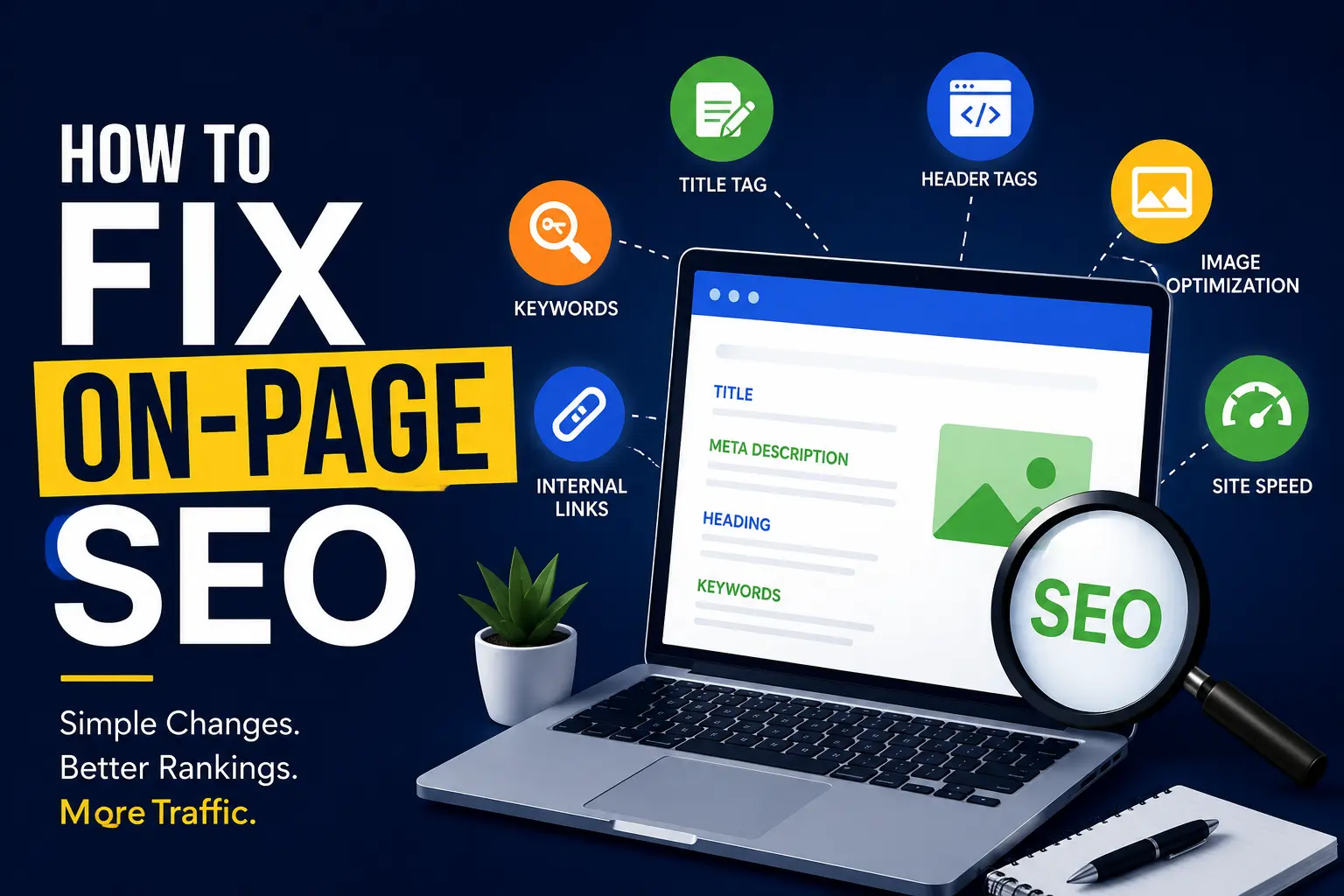
Your Vancouver business is live. Your website looks great. But Google has no idea you exist.
That’s the harsh reality most local business owners face — and the fix isn’t paid ads or social media hacks. It’s on-page SEO done right. Whether you run a dental clinic in Kitsilano, a law firm in Downtown Vancouver, or a café in Mount Pleasant, this guide will show you exactly what to fix, why it matters, and how to do it today.
What Is On-Page SEO and Why Does It Matter in Vancouver?
On-page SEO refers to all the optimizations you make directly on your website to help search engines understand your content — and rank it higher for the right searches.
In a competitive market like Vancouver, where thousands of local businesses fight for the same Google real estate, on-page SEO is your first line of defense. It tells Google who you are, where you are, and who you serve.
Getting it wrong means losing clicks to your competitors. Getting it right means showing up when someone in Vancouver types “best [your service] near me.”
Step 1: Fix Your Title Tags (The #1 On-Page Signal)
Your title tag is the blue clickable headline that appears in Google search results. It’s one of the strongest on-page ranking signals — and most Vancouver businesses get it completely wrong.
What to do:
- Include your primary keyword + Vancouver in the title
- Keep it under 60 characters
- Make it descriptive and click-worthy
Bad example:
Home | ABC Company
Good example:
Affordable Plumber in Vancouver, BC | ABC Plumbing
Every page on your site should have a unique title tag that reflects exactly what that page is about.
Step 2: Optimize Your Meta Descriptions
Meta descriptions don’t directly affect rankings — but they heavily influence click-through rates (CTR). A strong meta description can mean the difference between a user clicking your result or your competitor’s.
Best practices for Vancouver businesses:
- Keep it between 150–160 characters
- Include your keyword naturally
- Add a local hook (mention Vancouver, the neighbourhood, or a local benefit)
- End with a clear call to action
Example:
“Looking for a Vancouver SEO expert? We help local businesses rank higher on Google and get more calls. Book your free audit today.”
Step 3: Use Headers (H1, H2, H3) the Right Way
Headers structure your content for both readers and search engines. Google scans headers to understand what your page is about — so they need to be clear, logical, and keyword-rich.
Rules to follow:
- Every page should have one H1 that includes your main keyword
- Use H2s for major sections
- Use H3s for sub-points within those sections
- Don’t stuff keywords — write naturally
If your Vancouver business page H1 just says “Welcome to Our Website,” that’s a wasted opportunity. Change it to something like “Vancouver’s Trusted Home Renovation Experts.”
Step 4: Optimize Your URLs
Clean, readable URLs help Google (and users) understand your page content instantly.
Bad URL:
yoursite.com/p?id=4893
Good URL:
yoursite.com/vancouver-seo-services
Keep URLs short, lowercase, use hyphens (not underscores), and always include the primary keyword when relevant.
Step 5: Add Local Keywords Throughout Your Content
This is where many Vancouver businesses miss out. It’s not enough to mention “Vancouver” once on your homepage — you need to weave local relevance into your content naturally.
Ways to do this:
- Mention specific neighbourhoods you serve (Burnaby, Richmond, North Van, etc.)
- Reference local landmarks, events, or context where it makes sense
- Create dedicated service area pages (e.g., “SEO Services in Surrey”)
- Use phrases like “near UBC,” “in Yaletown,” or “serving the Lower Mainland”
This signals to Google that you’re a genuinely local resource — not just a generic business that added a city name.
Step 6: Optimize Images (Most Businesses Skip This)
Every image on your site is an SEO opportunity that most Vancouver businesses completely ignore.
What to fix:
- File name: Rename IMG_0023.jpg to vancouver-coffee-shop-interior.jpg
- Alt text: Add descriptive alt text to every image that includes keywords where natural
- File size: Compress images to improve page speed (use tools like TinyPNG or Squoosh)
- Format: Use WebP format where possible for faster loading
Google can’t “see” images — it reads the file name and alt text. Give it something useful.
Step 7: Improve Your Page Speed
Google officially confirmed page speed as a ranking factor. In 2025, with Core Web Vitals still a priority, slow pages simply don’t rank as well — especially on mobile.
Quick fixes:
- Compress all images
- Enable browser caching
- Minify CSS and JavaScript
- Use a fast hosting provider (preferably with Canadian servers for Vancouver businesses)
- Use a CDN (Content Delivery Network)
Check your speed using Google’s free PageSpeed Insights tool. Aim for a score above 80 on mobile.
Step 8: Write Content That Answers Real Questions
In 2026, Google’s AI-powered search (SGE/AEO) rewards content that directly answers user questions. This is called Answer Engine Optimization (AEO) — and it’s now just as important as traditional SEO.
How to do it:
- Research what Vancouver locals are actually asking (use Google’s “People Also Ask” boxes)
- Write clear, direct answers at the top of your page
- Use FAQ sections (like the one at the end of this article!)
- Structure your content with short paragraphs and clear headings
If someone in Vancouver Googles “how much does a fence cost in Vancouver,” your page should answer that question clearly and early — not bury it in marketing fluff.
Step 9: Add Internal Links
Internal links connect your pages together. They help Google discover your content, understand your site structure, and distribute ranking authority across pages.
Simple strategy:
- When you mention a service or topic, link to the relevant page on your site
- Add a “Related posts” or “You may also like” section to blog posts
- Make sure your most important pages (services, contact, home) are accessible within 1–2 clicks from any page
Step 10: Don’t Forget Mobile Optimization
Over 60% of searches in Vancouver happen on mobile devices. If your site isn’t mobile-friendly, you’re losing rankings and customers.
Check:
- Is your site responsive? (adjusts to all screen sizes)
- Are buttons large enough to tap easily?
- Is text readable without zooming?
- Does the menu work on a phone?
Use Google’s Mobile-Friendly Test to see how your site performs.
Quick On-Page SEO Checklist for Vancouver Businesses
| Element |
Status to Aim For |
| Title Tag | Includes keyword + Vancouver, under 60 chars |
| Meta Description | Compelling, local, 150–160 chars |
| H1 Tag | One per page, includes primary keyword |
| URL Structure | Short, clean, keyword-rich |
| Local Keywords | Used naturally throughout content |
| Image Alt Text | Descriptive and keyword-relevant |
| Page Speed | 80+ on PageSpeed Insights |
| Mobile-Friendly | Passes Google’s Mobile Test |
| Internal Links | Present on all key pages |
| FAQ / Q&A Content | Answers real user questions |
FAQ’s
Q1: How long does on-page SEO take to show results in Vancouver?
On-page SEO changes can start showing results within 4–12 weeks, depending on how competitive your industry is in Vancouver. Less competitive niches (like niche local services) may see improvements faster. More competitive spaces (legal, real estate, dental) often take 3–6 months to move meaningfully. Consistency is key — SEO is a long-term investment, not an overnight fix.
Q2: Can I do on-page SEO myself, or do I need to hire someone in Vancouver?
Absolutely, you can do a lot of it yourself. The fundamentals — fixing title tags, writing meta descriptions, optimizing images, and improving content — don’t require a developer or agency. Free tools like Google Search Console, PageSpeed Insights, and Ubersuggest make it accessible. That said, if your site has technical issues or you’re in a highly competitive Vancouver market, working with a local SEO specialist can accelerate your results significantly.
Q3: What’s the biggest on-page SEO mistake Vancouver businesses make?
The most common mistake is ignoring local intent. Many businesses optimize for generic keywords like “plumber” instead of “plumber in Vancouver” or “emergency plumber North Vancouver.” Google is hyper-local — if you’re not explicitly signaling your location throughout your site, you’ll lose to competitors who are.
Q4: Does on-page SEO still matter in 2025 with AI-powered search?
Yes — arguably more than ever. Google’s AI Overviews and AEO-based search results pull directly from well-structured, clearly written on-page content. If your pages answer questions directly, use proper headers, and have clean structure, you’re more likely to get featured in AI-generated summaries. On-page SEO is the foundation that makes everything else work.
Q5: How often should I update my on-page SEO for my Vancouver business website?
Do a full on-page audit every 3–6 months. However, you should update page content any time your services change, new local competitors enter the market, or Google rolls out a major algorithm update. For blog content, refreshing posts annually with new stats, updated examples, and expanded FAQs keeps them ranking strong over time.
Final Thoughts
Fixing your on-page SEO doesn’t have to be overwhelming. Start with the basics — title tags, headers, local keywords, and page speed — and build from there. Each small fix compounds over time, and for Vancouver businesses competing in a dense local market, even marginal improvements can mean a significant jump in visibility and leads.
Your competitors are already investing in SEO. Don’t get left behind — book a free consultation today and let’s get your Vancouver business to the top.