

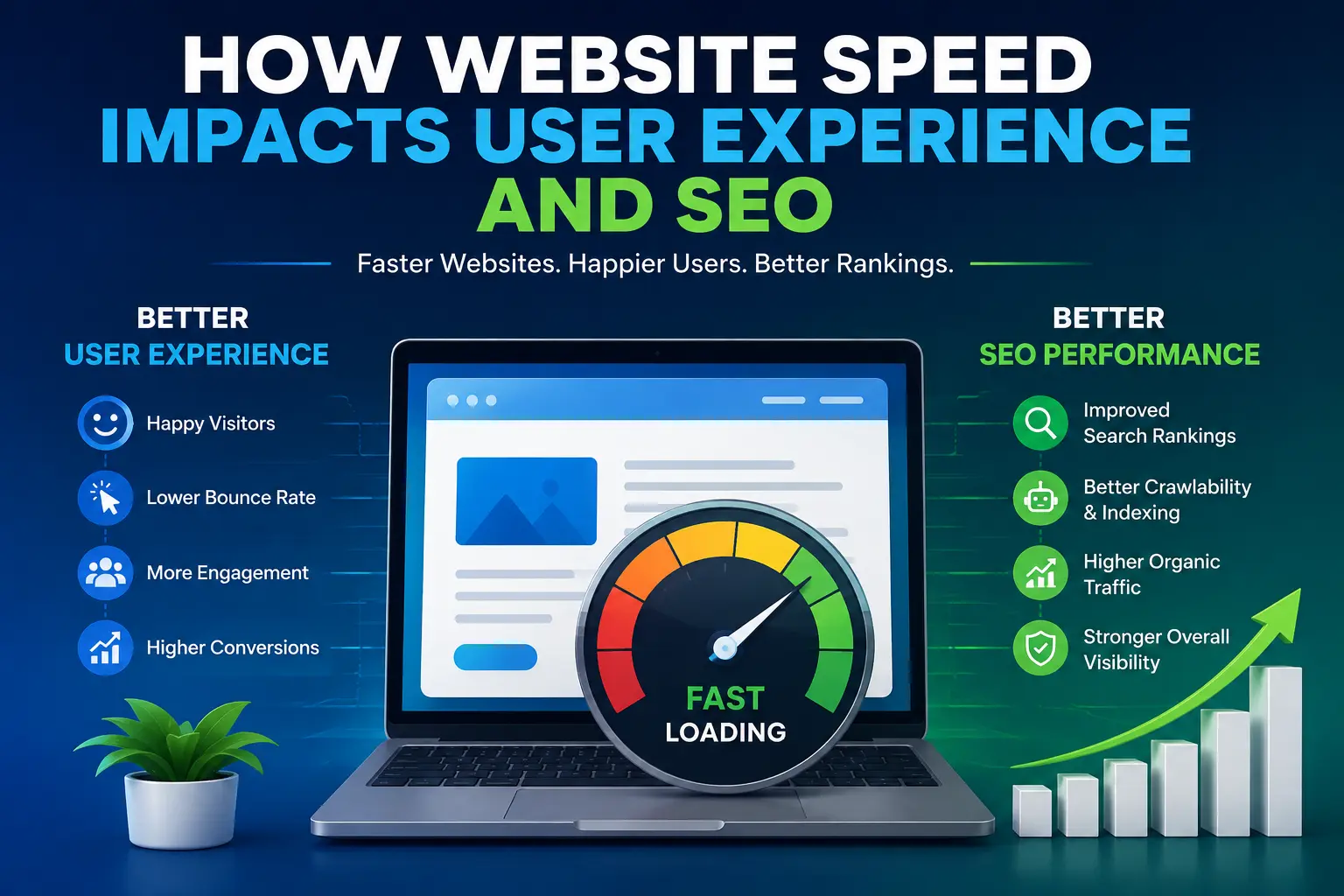
Website speed plays a major role in how people experience a website and how well that website performs in search engines. A beautiful website with useful content can still struggle if its pages take too long to load.
Think about your own browsing habits. When a website loads quickly, you probably stay longer, explore, and find what you need. When it feels slow, you may leave before the page even finishes loading. This simple behaviour can affect traffic, engagement, conversions, and search visibility.
Learn how website speed affects user experience and SEO, why slow websites lose visitors, and what you can do to make your website faster.
What Is Website Speed?
Website speed refers to how quickly a web page loads and becomes usable for a visitor.
It includes several parts of the loading process. A page may start showing content quickly but still take time before visitors can click buttons, read everything, or interact with forms.
Website speed can depend on many factors, including:
- Image and video sizes
- Web hosting quality
- Server response time
- Website code
- JavaScript and CSS files
- Plugins and third-party tools
- Browser caching
- Mobile optimization
A faster website gives users a smoother experience. A slower website creates friction at every step.
Why Website Speed Matters for User Experience
User experience, often called UX, means how people feel when they use your website. Speed is one of the most important parts of that experience.
1. Fast Websites Keep Visitors Engaged
People expect websites to respond quickly. When a page loads without frustrating delays, visitors can immediately start reading, browsing products, watching content, or completing an action.
A slow page does the opposite. Visitors may become impatient, especially when they access your site on a mobile device or a slower internet connection.
The longer users wait, the more likely they are to leave.
2. Slow Pages Increase Frustration
Imagine clicking a product page and watching a blank screen for several seconds. Then imagine trying to open the checkout page and waiting again.
Even a small delay can make a website feel unreliable.
Visitors usually do not think about the technical reason behind the delay. They simply think the website is slow. That negative impression can affect how they view the entire brand.
3. Speed Improves Navigation
A fast website makes it easier for users to move from one page to another.
For example, a visitor might:
- Open your homepage.
- Read a service page.
- Check pricing.
- Visit your contact page.
- Submit a form.
When every page responds quickly, this journey feels natural. When every click creates a long wait, users may stop before completing their goal.
4. Speed Matters Even More on Mobile
Many people browse the internet on smartphones. Mobile users may also deal with slower connections, limited data, or older devices.
A website that works well on a powerful desktop computer may still feel slow on a phone.
For this reason, businesses should test website performance on real mobile devices, not just desktop screens.
How Website Speed Affects SEO
SEO, or search engine optimization, is the process of improving a website so it can appear more prominently in search results.
Website speed does not work as a magic ranking factor that automatically puts a site at the top of Google. However, performance can influence several important parts of SEO and the overall search experience.
1. Search Engines Care About Page Experience
Search engines want to show users helpful results that provide a good experience.
Google uses several page experience signals when evaluating websites. Website performance is part of this broader picture.
This means a website should not focus only on keywords and backlinks. It should also provide a page that loads and responds efficiently.
2. Better Speed Can Improve User Engagement
When pages load quickly, visitors can access content faster. They may then view more pages, spend more time exploring the site, and complete important actions.
These user behaviours can support the overall performance of a website.
However, SEO professionals should avoid assuming that every engagement metric directly acts as a ranking signal. The safer approach is to improve speed because it helps users first.
3. Faster Websites Make Crawling More Efficient
Search engines use automated programs called crawlers to discover and understand web pages.
A technically healthy website makes it easier for crawlers to access content. Server performance, technical problems, and poor site architecture can create unnecessary obstacles.
Speed should therefore be part of a wider technical SEO strategy that also includes crawlability, internal linking, mobile usability, and clean website structure.
Core Web Vitals and Website Performance
You may have heard of Core Web Vitals. These are a group of measurements Google uses to evaluate important parts of user experience.
In simple terms, they look at three areas:
Largest Contentful Paint (LCP)
LCP measures how quickly the main content of a page becomes visible.
For example, if your main headline, hero image, or primary content takes too long to appear, the page may feel slow even if the rest loads afterwards.
Interaction to Next Paint (INP)
INP measures how quickly a page responds when a visitor interacts with it.
For example, when someone clicks a menu, presses a button, or uses a form, the website should respond quickly.
A page can look fully loaded but still feel slow if interactions take too long.
Cumulative Layout Shift (CLS)
CLS measures unexpected movement of page elements while a page loads.
Have you ever tried to click a button, only for the page to shift and move the button somewhere else? That is a poor experience.
A stable layout helps visitors read and interact with your website without surprises.
Common Causes of Slow Websites
Many websites become slow because of a combination of small problems rather than one major issue.
Large Images
High-resolution images can look great but may use a lot of data. Large image files can significantly increase loading time.
Compress images and use modern image formats when appropriate. Also, avoid serving a much larger image than the visitor actually needs.
Too Much JavaScript
JavaScript adds interactive features to a website, but excessive or poorly optimized scripts can slow down page rendering and user interactions.
Remove scripts that you do not need and reduce unnecessary work on the page.
Poor Hosting
Your web host affects server response time and reliability.
A low-quality hosting setup may struggle when traffic increases. Choosing hosting that matches your website’s needs can improve performance and stability.
Too Many Plugins
Websites built with content management systems such as WordPress often rely on plugins.
Plugins can be useful, but each additional plugin may add code, requests, or processing requirements. Remove outdated and unnecessary plugins and keep the remaining ones updated.
Unoptimized Videos and Third-Party Tools
Videos, chat widgets, advertising tools, analytics scripts, social media widgets, and other external services can add extra requests.
Use these tools carefully. Every feature should provide enough value to justify its performance cost.
How to Improve Website Speed
Improving website speed does not always require rebuilding the entire website.
Start with the biggest problems.
Compress and Optimize Images
Resize images before uploading them. Compress them without noticeably reducing quality. Choose suitable formats and avoid loading unnecessary images before they are needed.
Use Browser Caching
Caching allows browsers to store certain files locally. When visitors return to your site, their browsers may not need to download the same files again.
This can make repeat visits faster.
Use a Content Delivery Network
A Content Delivery Network, or CDN, stores copies of website files on servers in different locations.
When someone visits your website, the CDN can serve files from a location closer to that visitor. This can reduce latency and improve loading times.
Minimize Unnecessary Code
Remove unused CSS, JavaScript, plugins, and other resources.
The goal is simple: make the browser do less unnecessary work.
Improve Server Response Time
Choose reliable hosting, use efficient database queries, and optimize your server setup.
A fast page cannot compensate for a server that takes too long to respond.
Lazy Load Large Resources
Lazy loading means delaying certain resources until they are actually needed.
For example, images lower down a long page do not always need to load immediately when the visitor first opens the page.
This can reduce the amount of work required during the initial page load.
Test Your Website Regularly
Website performance can change after a redesign, plugin update, new marketing tool, or content update.
Use performance testing tools to identify problems and monitor important metrics over time.
Do not test only your homepage. Check important pages such as product pages, service pages, blog posts, landing pages, and checkout pages.
Website Speed Is About More Than SEO
It is easy to think about speed only in terms of search rankings. That misses the bigger picture.
A fast website can support:
- Better user satisfaction
- Lower frustration
- Easier navigation
- Stronger mobile experiences
- More completed forms
- More sales and conversions
- Better overall brand perception
In other words, website speed is both a technical issue and a business issue.
A page that loads quickly gives visitors less time to change their minds.
Thoughts
Website speed has a direct impact on how people experience your website and can influence important areas of SEO and online performance.
Fast pages help visitors find information sooner, interact with your content more easily, and move through your website with less frustration. Strong performance also supports a healthier technical foundation for search visibility.
You do not need to make your website perfect overnight. Start by finding the biggest performance problems, such as oversized images, excessive scripts, weak hosting, and unnecessary plugins. Fix those issues first, then keep testing and improving.
The best approach is simple: build for people first, then optimize for search engines.
When your website is fast, useful, accessible, and easy to use, both your visitors and your SEO strategy benefit.